 Idioscript
For writers who want to understand their story, not outsource it.
A thinking environment for writers.
Plan your story scene by scene, organize your world, and work with a Companion that understands what you're writing right now.
Idioscript helps you shape your outline, track your scenes, keep story context close, and explore possibilities without giving up creative control.
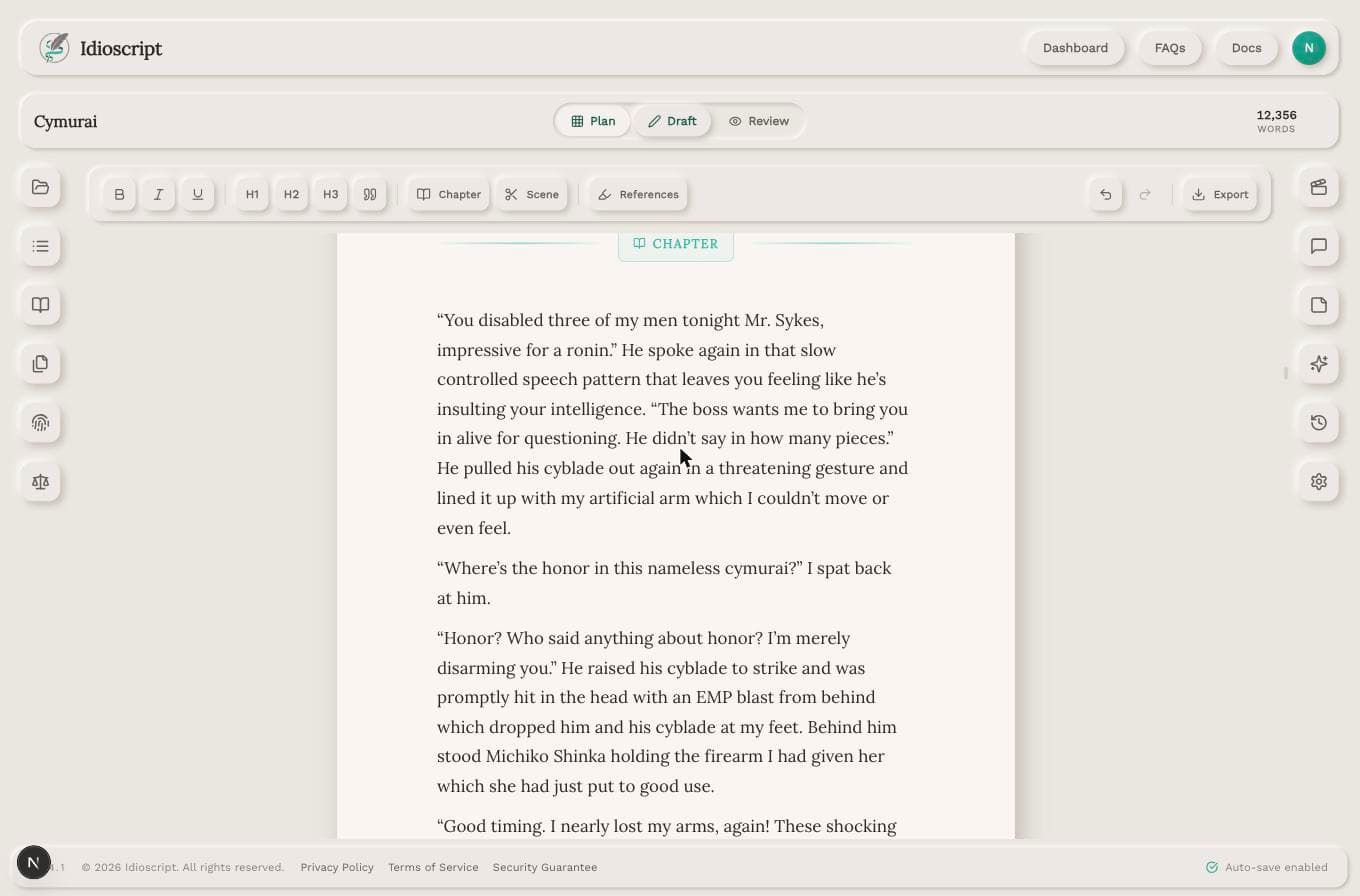
Your writing stays yours.
No shared training
Your writing is never used to train shared models.
You decide what becomes canon
The Companion can suggest and observe, but you control the truth of your story.
Context you can shape
Pin the outline, notes, characters, and story details that matter for each scene.
Nothing published without consent
Your work stays private unless you choose to share or export it.
Start wherever your story is.
Bring an idea, scattered notes, an outline, or a draft. Idioscript helps you turn what you already have into a clearer path forward.
Just an idea
Talk with the Companion to discover your protagonist, conflict, stakes, and the shape of the story.
Some notes
Organize fragments, worldbuilding, characters, and themes into usable planning material.
An outline
Turn a partial or complete outline into scene cards, chapters, and a working corkboard.
A draft manuscript
Bring existing scenes or chapters into the writing environment and continue from there.
Shape your story scene by scene.
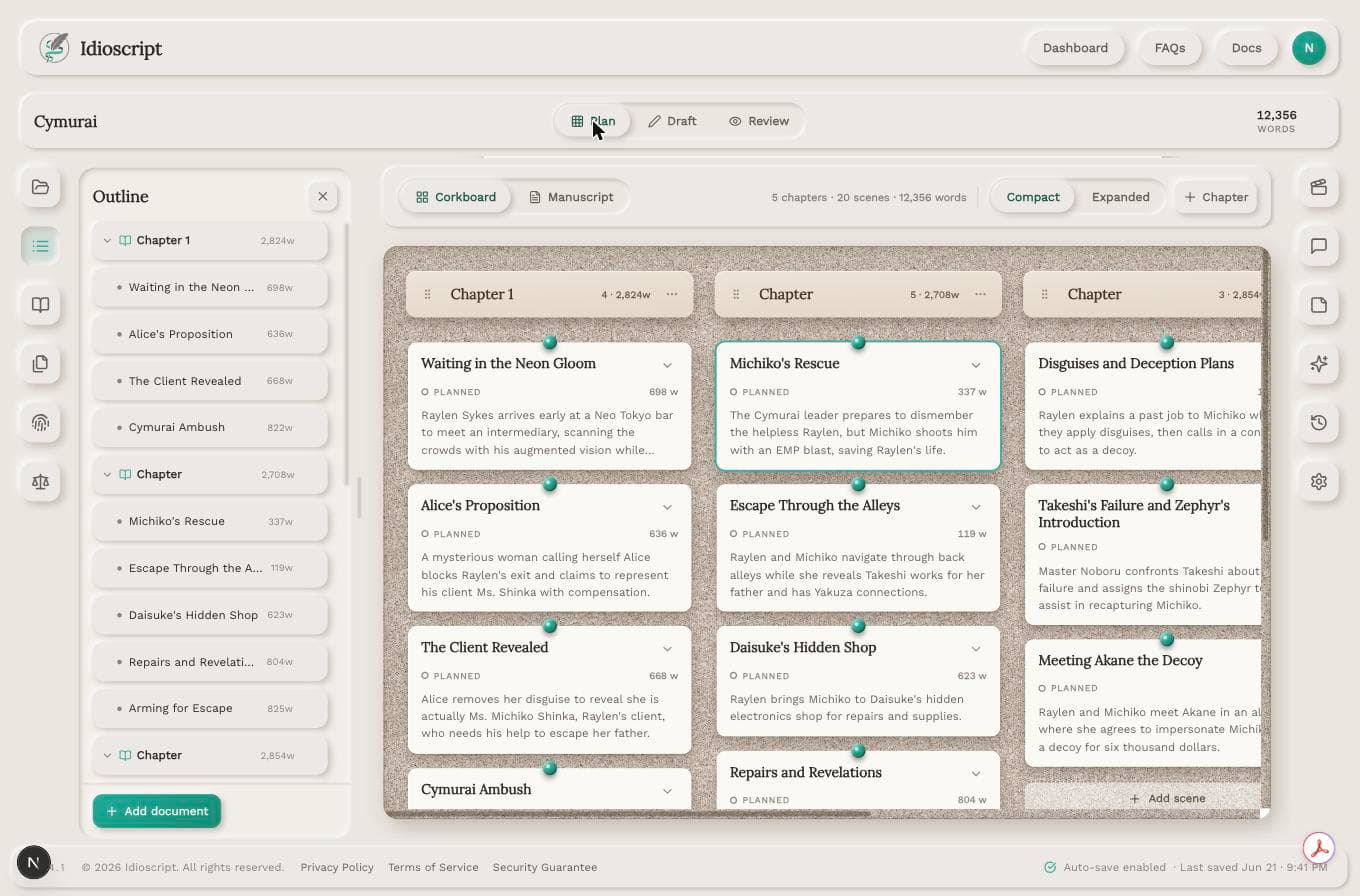
Use Corkboard Plan Mode to build your outline visually. Arrange scenes, group them by chapter, and refine the purpose of each scene before you draft.
- Create and rearrange scene cards
- Group scenes by chapter
- Track scene purpose, status, notes, and structure
- Move from planning to drafting without rebuilding your work
Your outline is not separate from your manuscript. It becomes the structure you write from.
Write with the right context close.
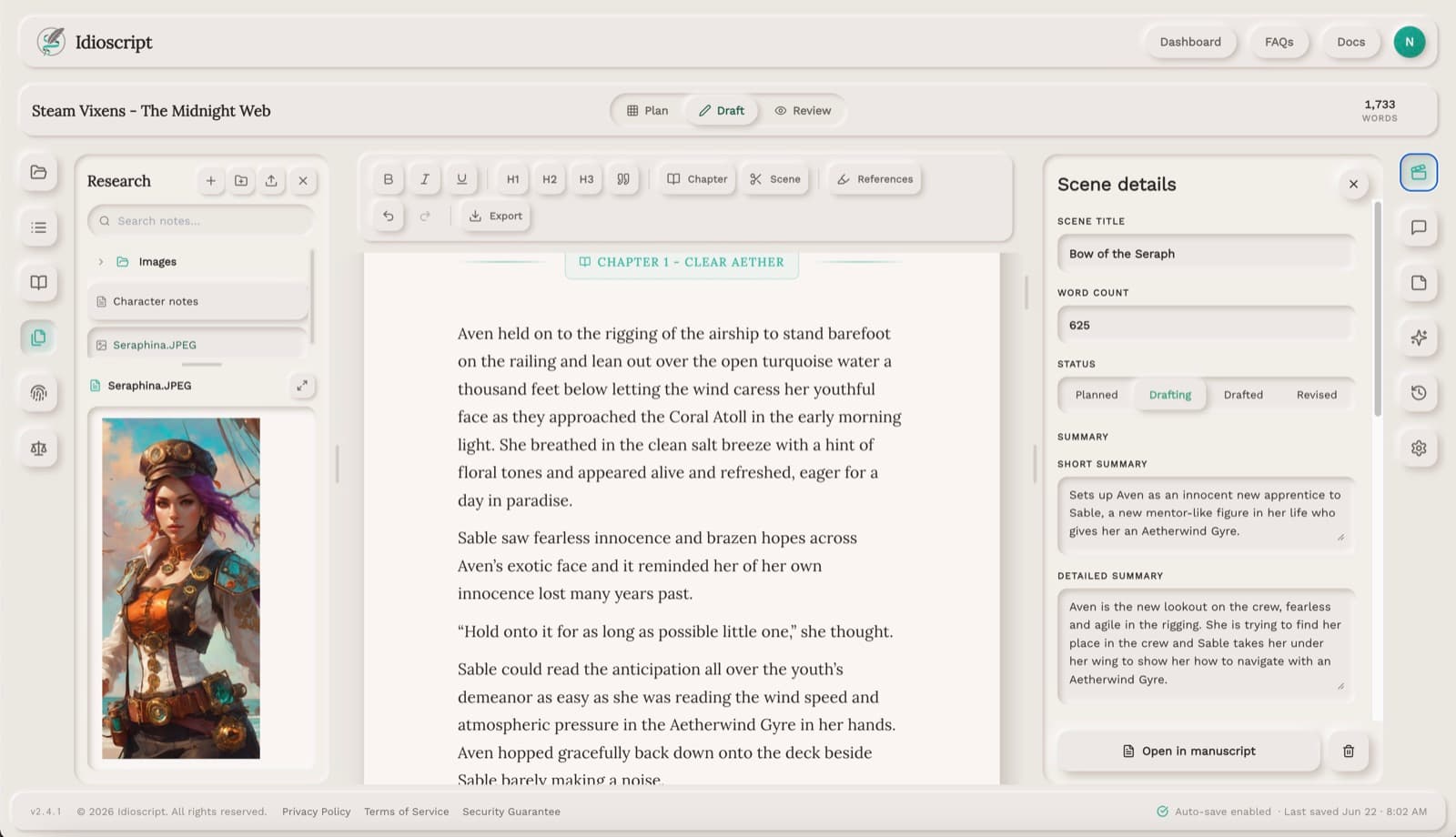
Keep your outline, scene notes, characters, and story details nearby while you draft. Idioscript helps you stay focused on the current scene without losing sight of the larger story.
- Pin the outline while drafting
- See the active scene as you write
- Keep important notes and characters close
- Move between planning, drafting, and review without switching tools
The workspace follows the scene you're writing, so you do not have to keep re-explaining your story.
Talk to a Companion that understands the scene.
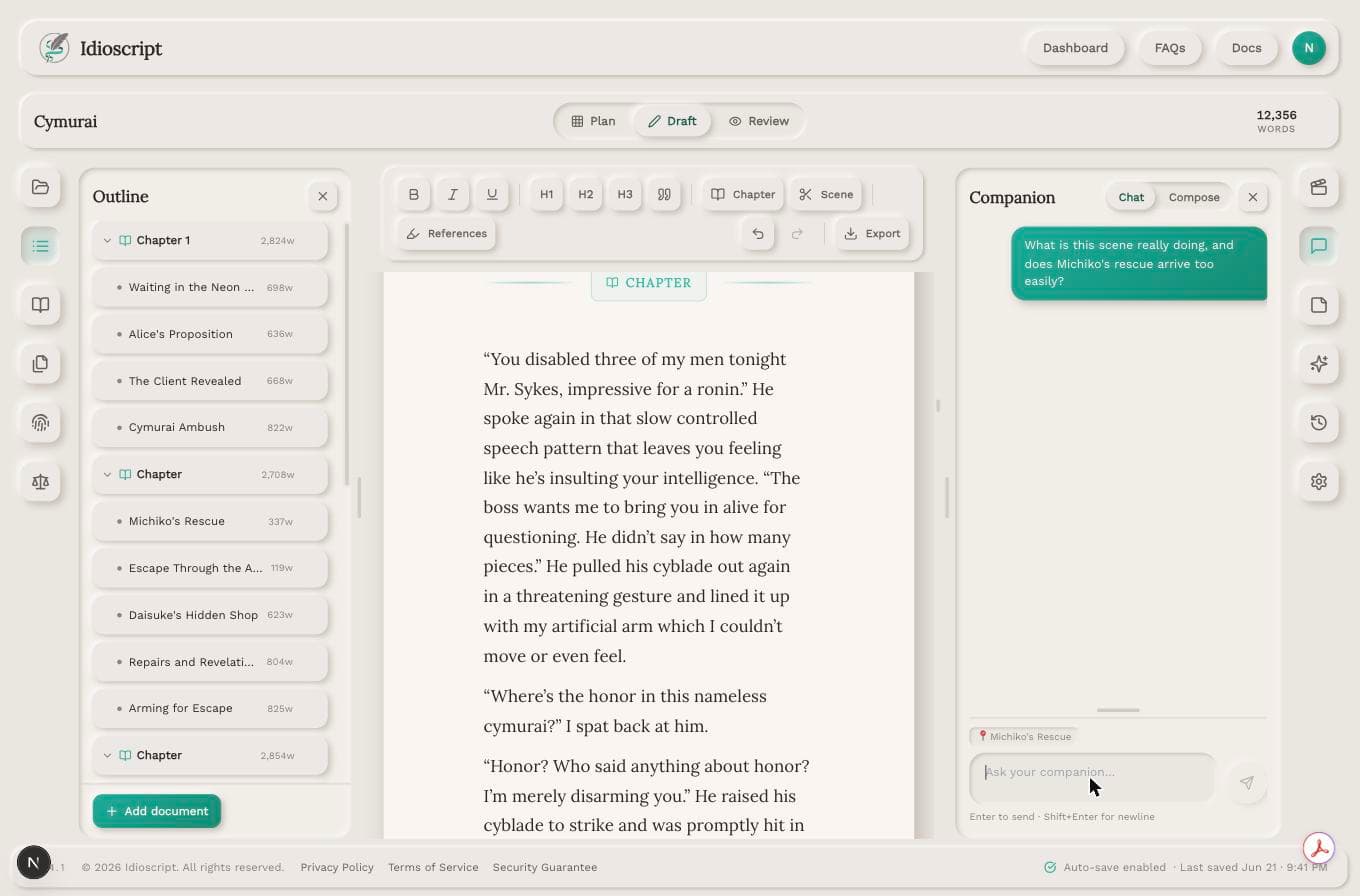
Ask questions, explore alternatives, test ideas, and get feedback based on the scene you're working on and the context you choose to pin.
- Scene-aware suggestions
- Context from outline, notes, and story bible
- Guided story discovery
- Developmental feedback without taking over authorship
The Companion suggests, questions, and explores. You decide what matters.
Keep your story world within reach.
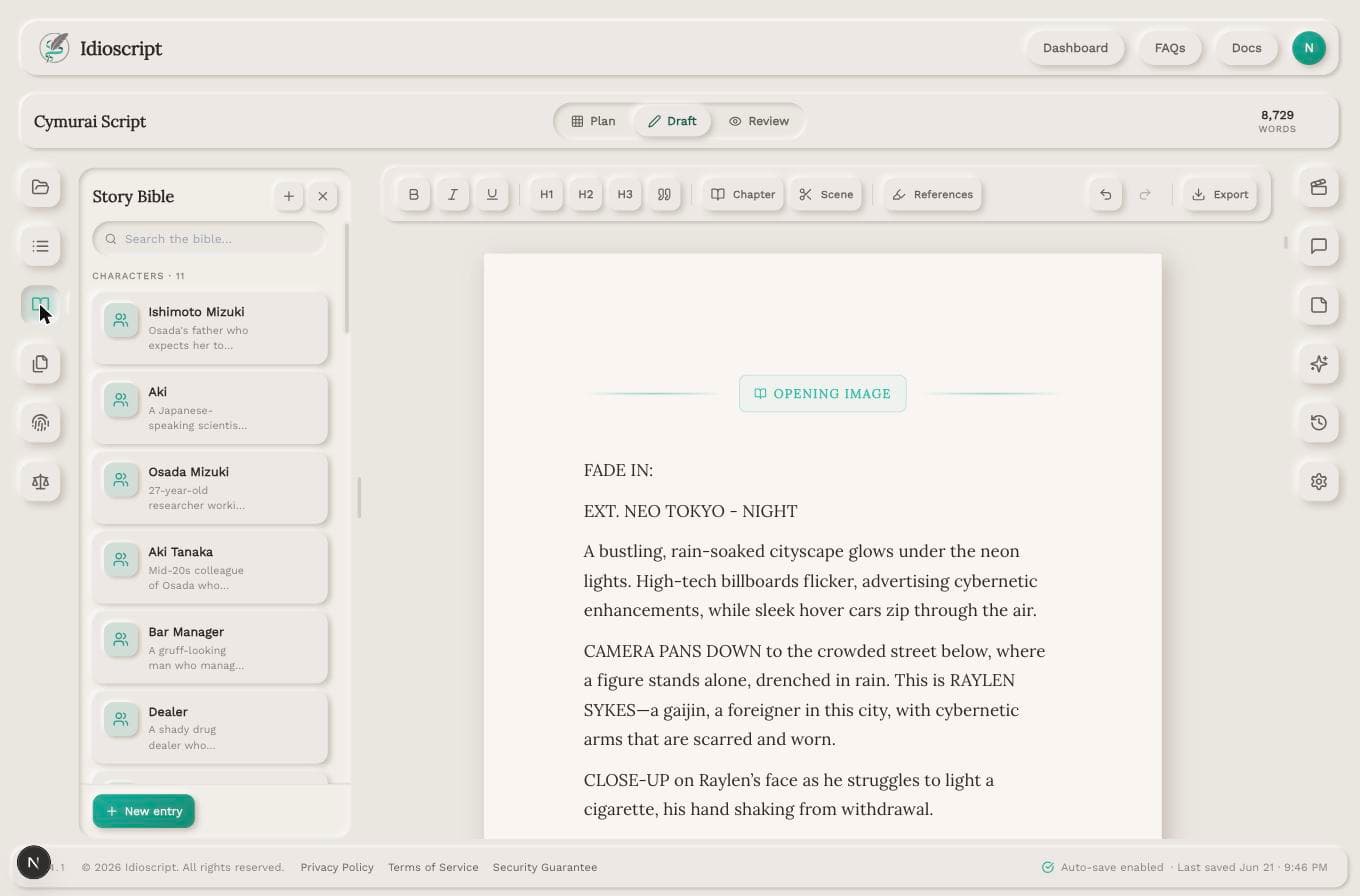
Track characters, places, relationships, events, and important details in a living Story Bible that supports planning, drafting, and review.
- Reference characters and notes without leaving the manuscript
- Pin important details for the Companion
- Keep story facts organized as the project grows
- Separate what is confirmed from what is still exploratory
Your story bible becomes practical memory for the writing process, not homework on the side.
Where writers use Idioscript
Turning a rough idea into a working outline
Organizing scenes, chapters, and story beats
Keeping characters, notes, and world details close while drafting
Asking scene-specific questions without re-explaining the whole book
Exploring alternate directions before committing to them
Checking whether a scene fits the larger story
Staying consistent across long projects and revisions
Your story leads. Idioscript helps you keep going.
Idioscript is built around the writing process first. You can plan, organize, draft, and revise your work without handing over creative control. When you use the Companion, it works from the story context you choose.
Generators can give you words. Idioscript helps you understand the story those words belong to.
Start shaping your story.
Bring an idea, notes, an outline, or a draft. Build the story environment you need before you write the next scene.
Get startedNo shared training. No publishing. No surprises.